



































Adding a Public Self-Managed Cluster to Platform Console
- Go to the Platform Console and click
Add Cluster.
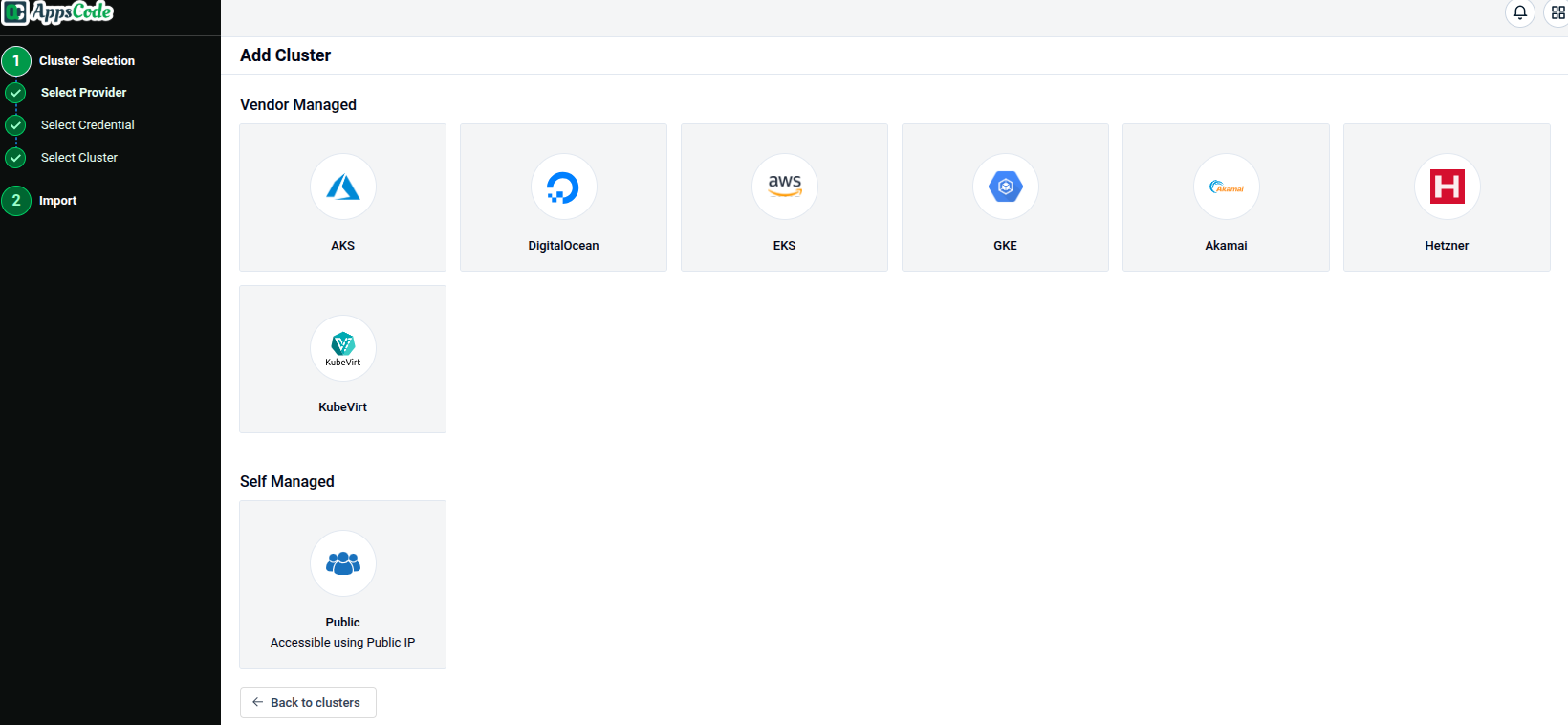
Select Cluster Type
- In the
Self Managedsection, choose the public cluster option.
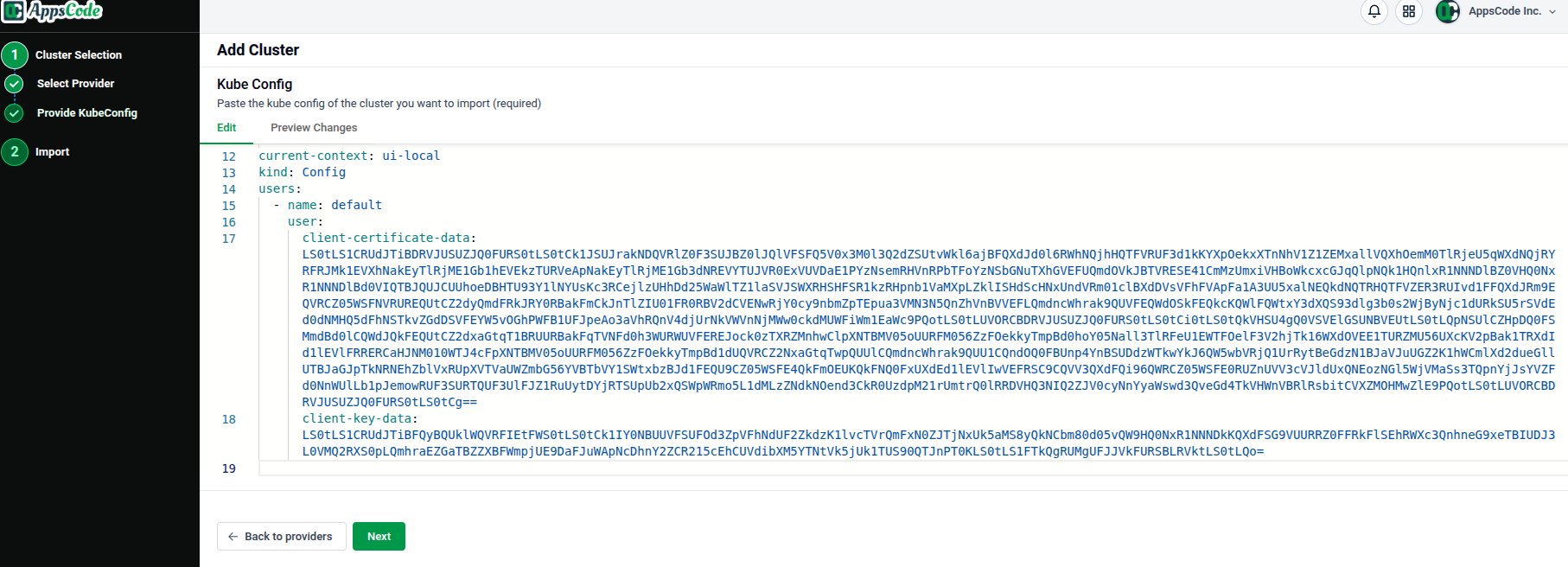
Provide Kubeconfig
- Provide the kubeconfig for your cluster.
Customize Features
- Proceed to the feature customization step.
Explore
- Once imported, explore the cluster in the Platform Console.