In the Vendor Managed section, select the provider hosting your cluster.
Select Credential
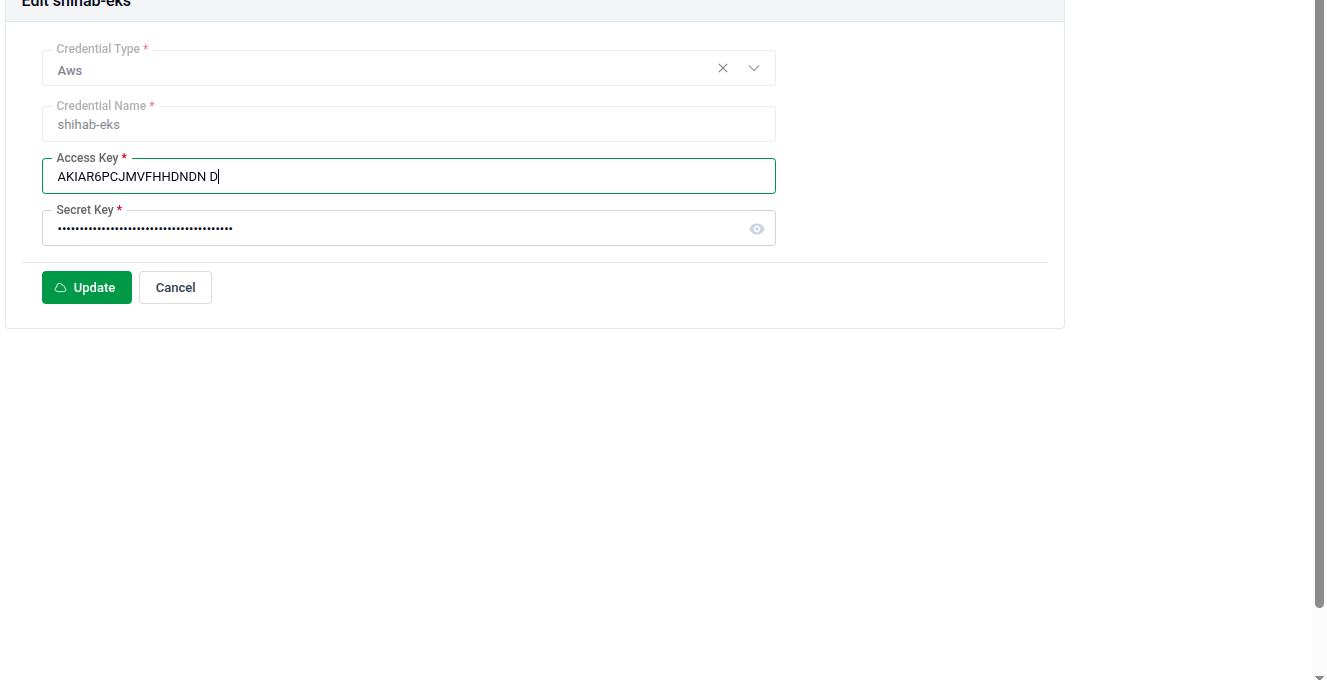
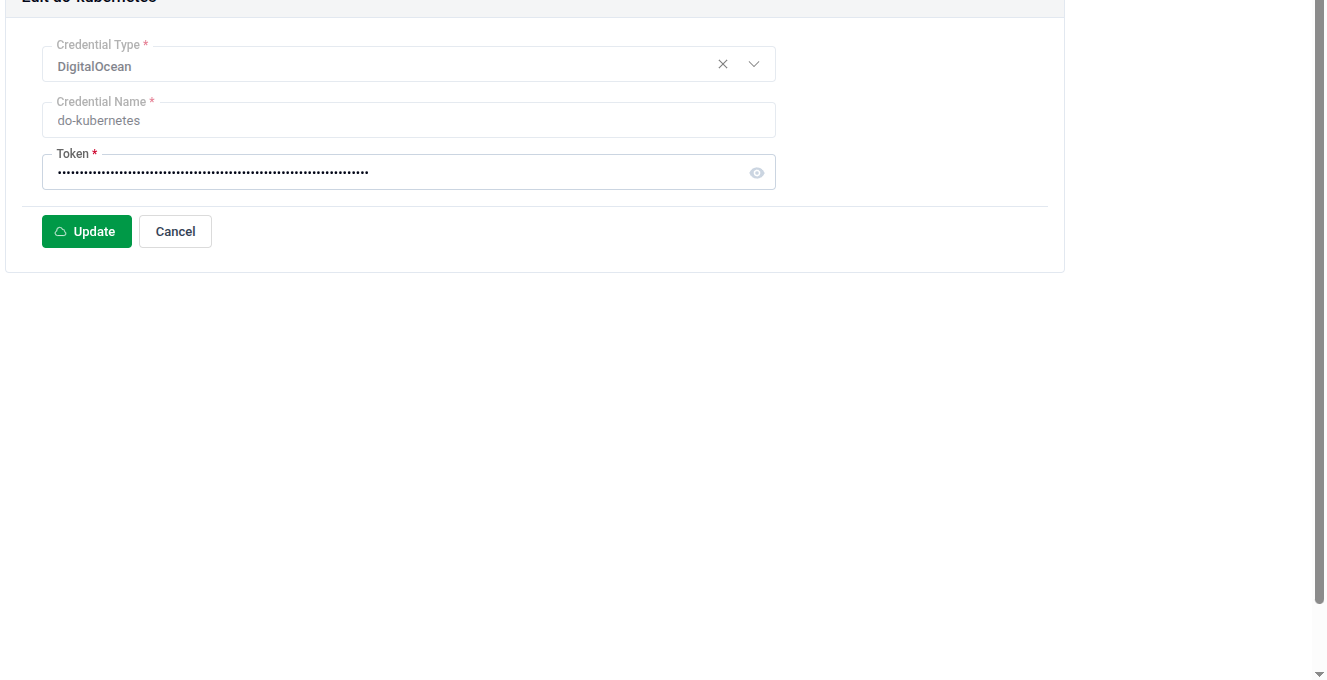
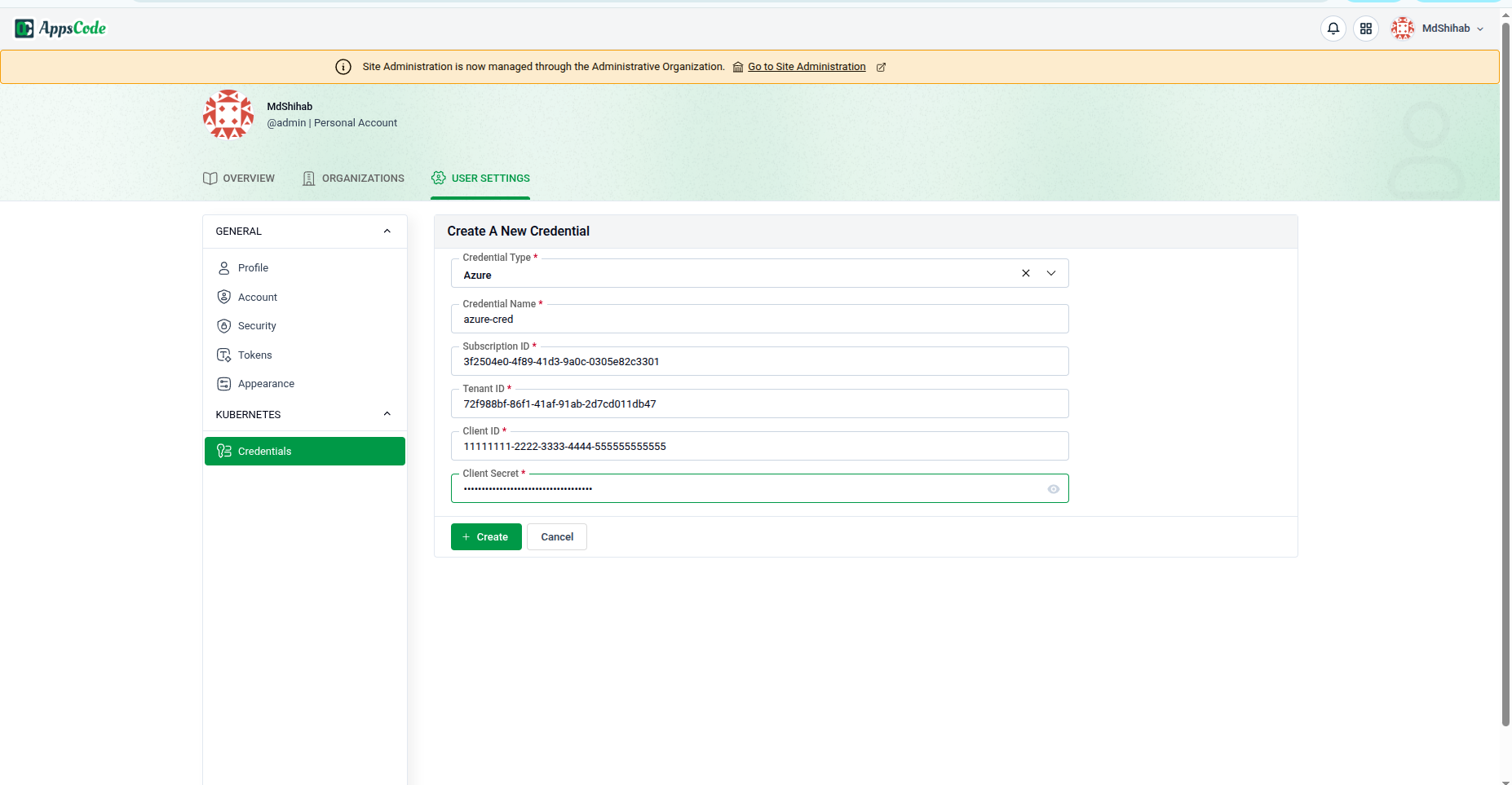
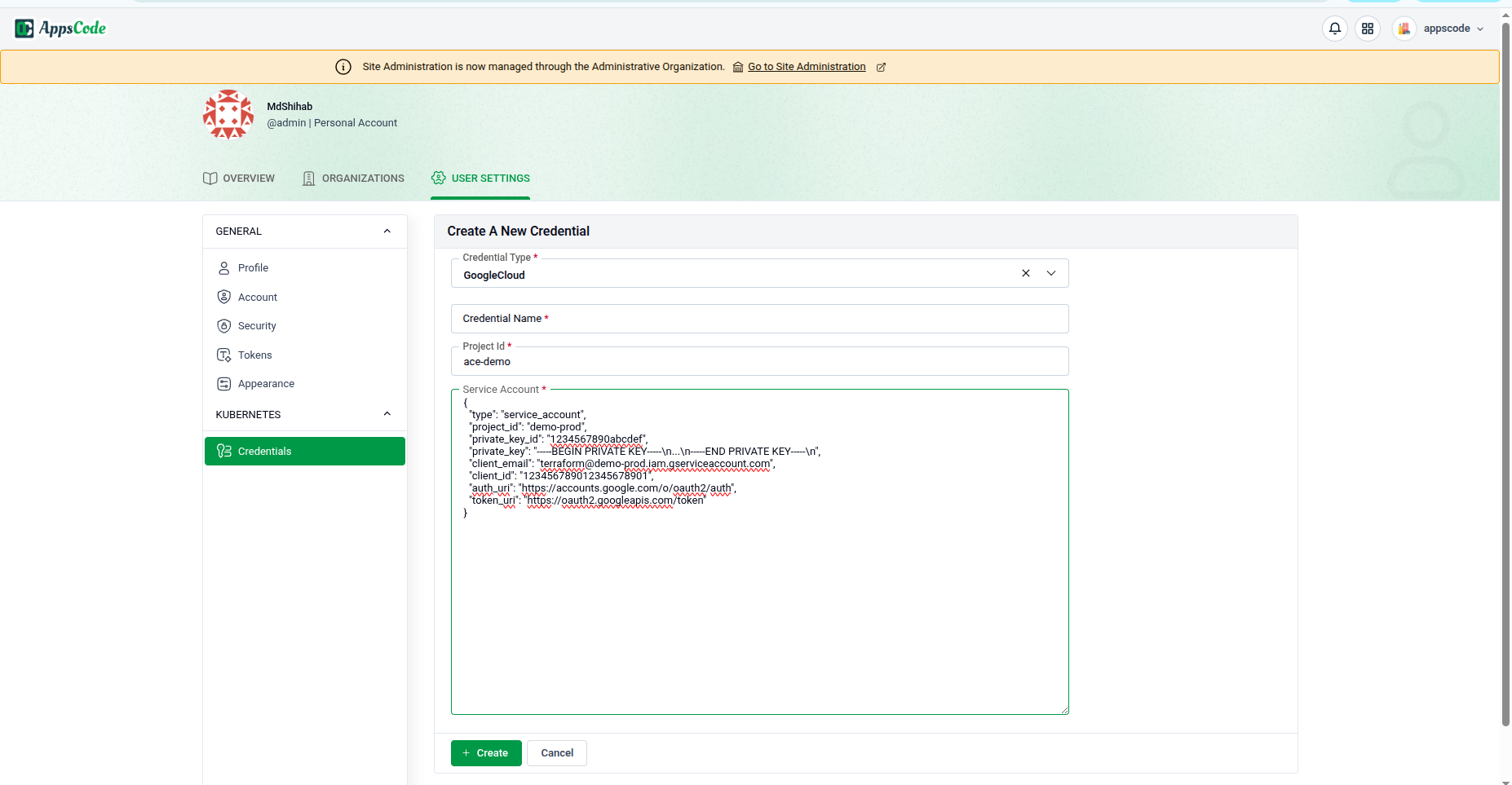
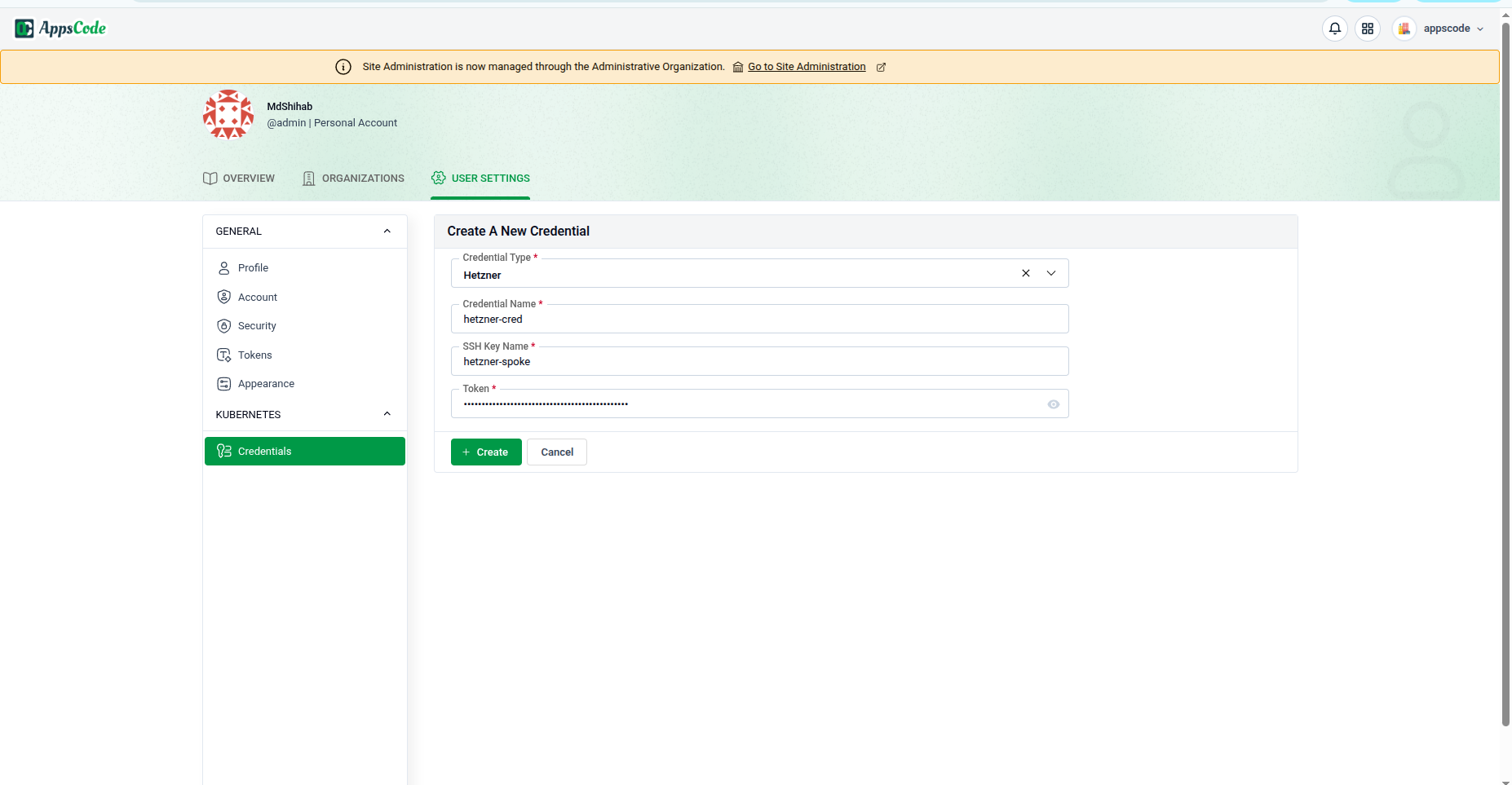
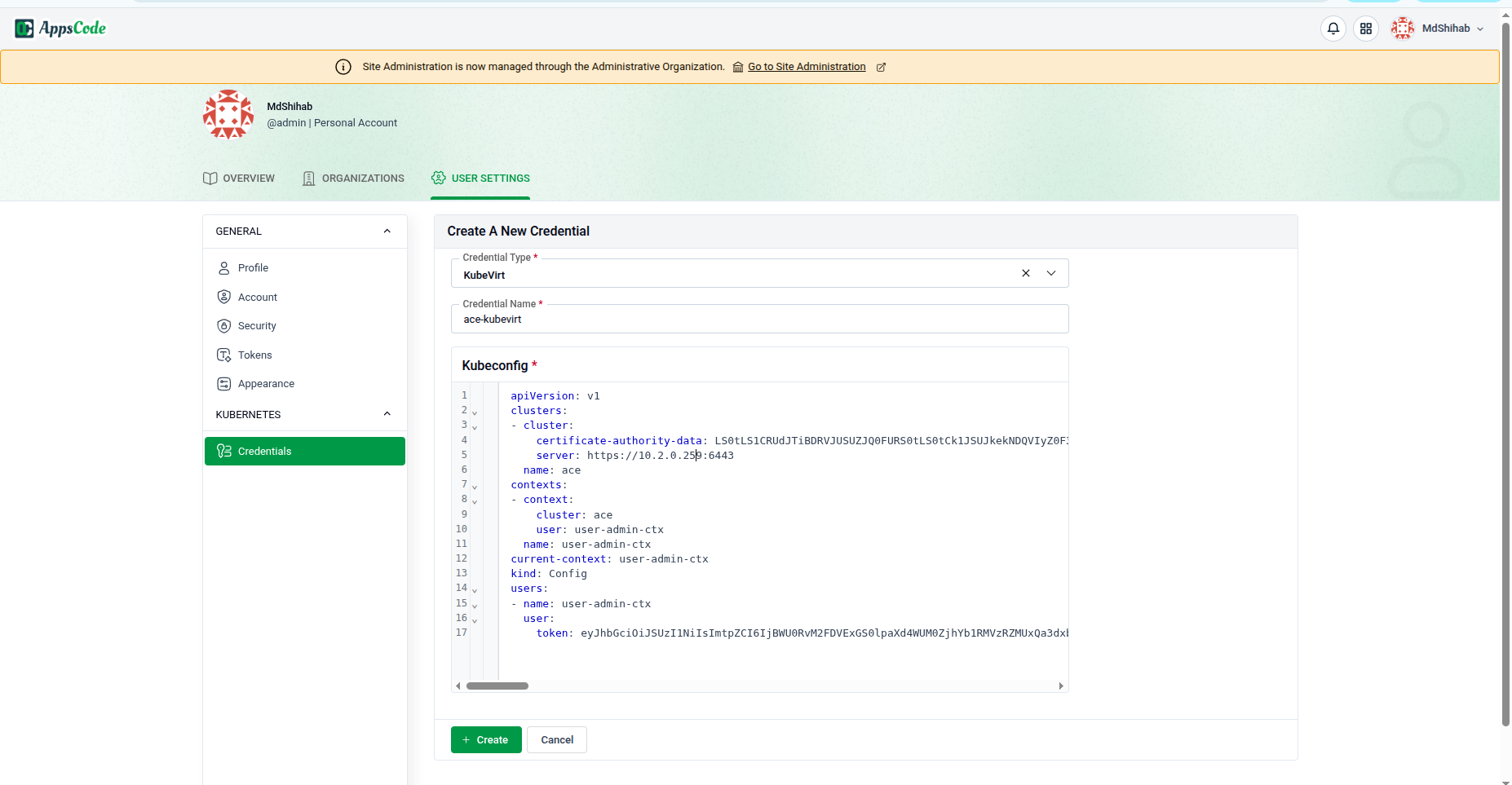
Choose a credential with permission to access and import the cluster, then click Next. To create one, use the +Create Credential button (see Credentials).
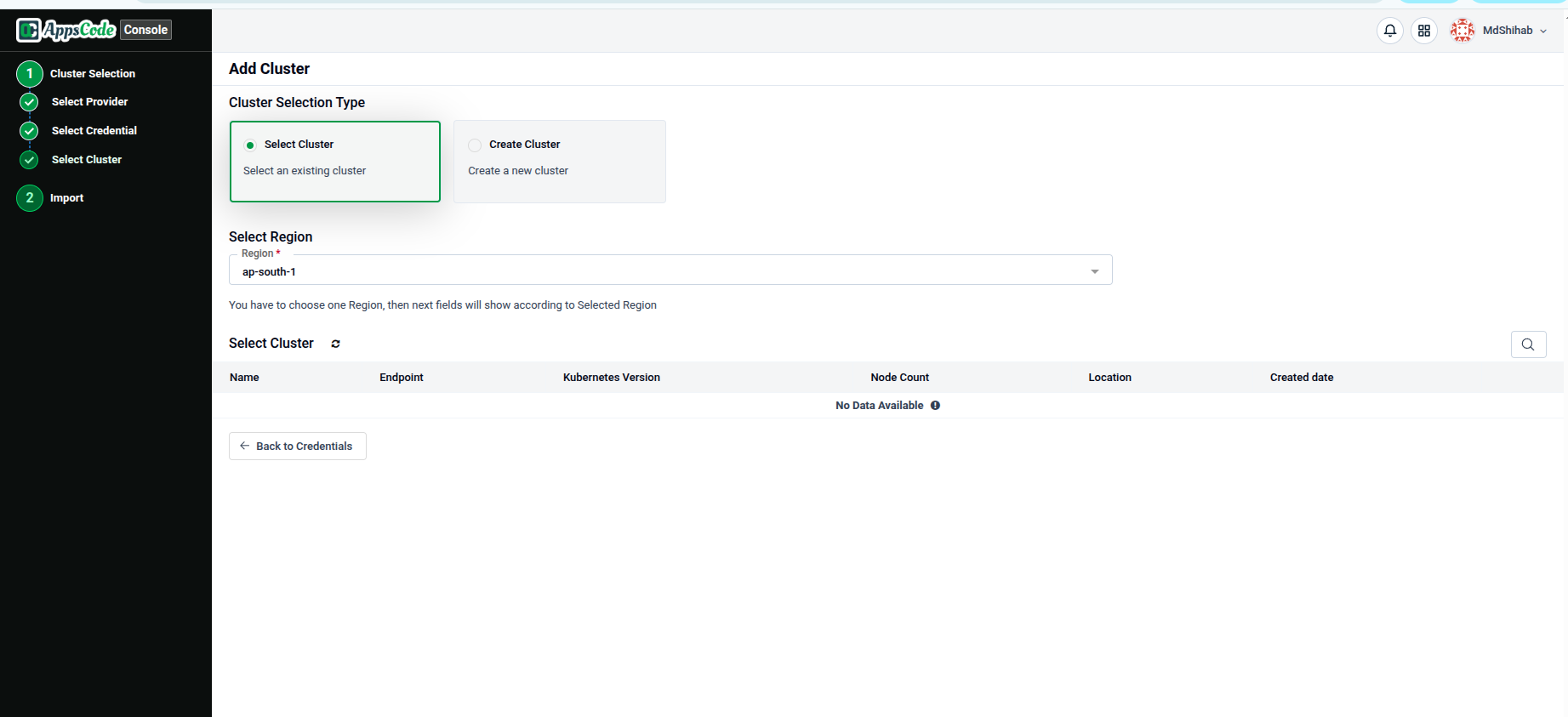
Select Cluster
Selection depends on the provider:
Linode / Digital Ocean: select the cluster directly.
AKS / EKS / GKE: choose the Resource Group, Region, or Project, then select the cluster.
Customize Features and Import
Click Import to bring the cluster into the Platform Console, then explore it in the dashboard.